MP3 to Lyrics
Upload an MP3 and extract clean lyrics from audio without awkward generic transcription copy.
Upload an MP3, pull out the sung words as readable lyric text, and keep the result easy to clean up, save, or export.
Best for song drafts, demos, live recordings, and studio exports.
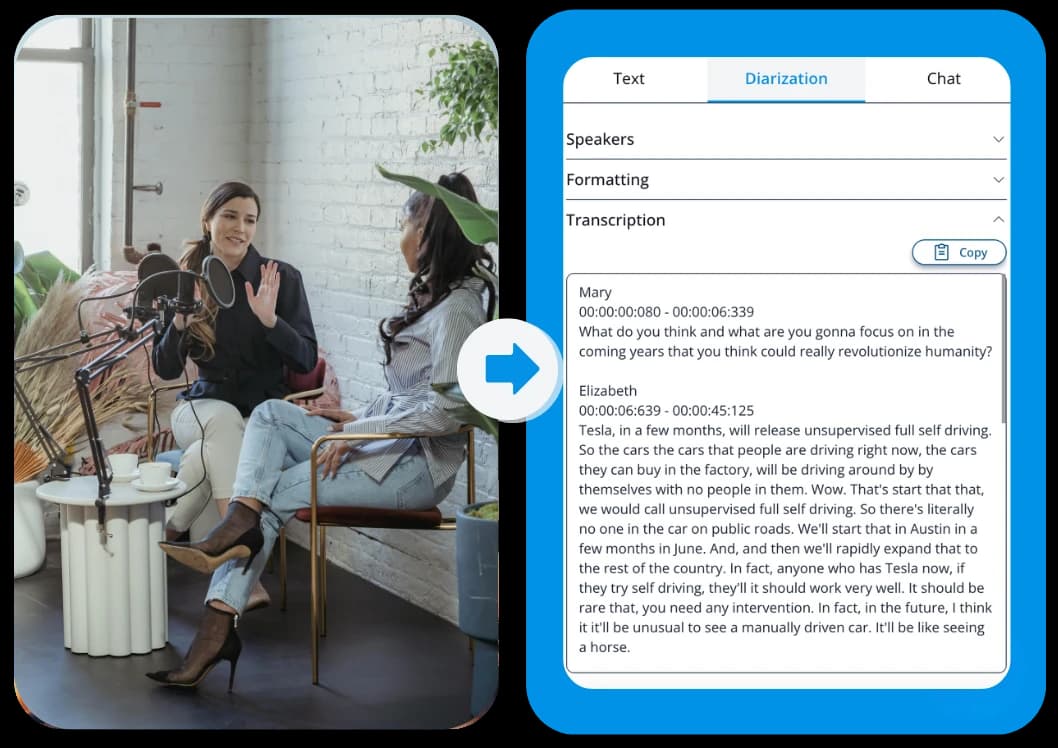
See what the output looks like
Useful for demos, rehearsals, finished songs, karaoke prep, and lyric-video workflows.
Upload a studio demo, vocal take, or MP3 song file
Start with the source you already have, then keep the text in the format that fits your next step.
Choose the output that fits the workflow
Lyrics text
Best for lyric review, editing, and song documentation.
TXT export
Best for archiving and sending the lyric draft to collaborators or clients.
Timed captions
Keep subtitle formats when lyric timing matters for playback, karaoke, or lyric videos.
Three quick steps, one clear outcome
Start with the source, generate the text, then keep the format that fits the next workflow.
Upload the MP3
Start with the audio file you want to turn into readable lyrics.
Extract the words
Generate the text and review it as lyric-friendly lines instead of generic transcript blocks.
Edit and export
Keep the lyric draft as text or move into a timed format when lyric timing matters.
Extract lyrics from MP3 audio
Each section explains a concrete use case so the page stays practical from top to bottom.
Upload an MP3 and pull out the sung words as readable lyric text. That gives you something much easier to work with than trying to transcribe a song by ear from repeated listens.
It is a better fit for music workflows than generic transcription copy, because the goal is the lyrics themselves, not a meeting-style transcript.
Turn song audio into clean lyric text
Review and edit the words in one place
Keep the output useful for music-specific workflows
Useful for demos, rehearsals, and finished tracks
Each section explains a concrete use case so the page stays practical from top to bottom.
This workflow works well when you need the words from a rough demo, a rehearsal recording, or a finished song. Once the lyrics are in text form, they are easier to clean up, archive, and share.
It is also useful when you are preparing a lyric sheet, checking a line you cannot quite hear, or getting material ready for a lyric video.
Capture lyrics from demos and vocal takes
Prepare lyric sheets and writing docs faster
Avoid retyping lines by hand
Edit the lyrics or export timed files
Each section explains a concrete use case so the page stays practical from top to bottom.
Once the lyrics are extracted, you can keep them as text for editing or export timed files when the words need to line up with playback. That gives you a practical bridge between raw audio and a finished lyrics workflow.
The result is flexible enough for archiving, collaboration, subtitles, or lyric-video production.
Save the lyrics as clean text
Export timed files for subtitle or karaoke use
Choose the format that matches the next step
Keep the wording readable from the start
Each section explains a concrete use case so the page stays practical from top to bottom.
A good lyrics extractor should give you lines that already feel close to a proper lyric sheet. That means less cleanup before you hand the words to a collaborator, drop them into a video editor, or save them for reference later.
The page stays focused on that simple job: get the words out of the audio and make them easy to work with.
Keep lyric text readable and easy to scan
Spend less time cleaning up the first draft
Move from MP3 to usable lyrics faster
Frequently Asked Questions
Related pages in this cluster
Use the hub, sibling pages, export page, or guide link that best matches the next query or next workflow step.
All tools
Browse the full tool library when you need another audio or lyrics workflow.
YouTube to Lyrics
Use the YouTube lyrics workflow when the source starts as a link.
Three nearby intent pages
How to transcribe video with ChatGPT
Use this guide when you need the transcript first and want ChatGPT for the second step.